Correlation without pre-whitening is often misleading
White Lies
Correlation, as one of the first tools DSP users add to their tool box, can automate locating a known signal within a second (usually larger) signal. The expected result of a correlation is a nice sharp peak at the location of the known signal and few, if any, extraneous peaks.
A little thought will show this to be incorrect: correlating a signal with itself is only guaranteed to give a sharp peak if the signal's samples are uncorrelated --- for example if the signal is composed of white noise.
Most interesting signals are not white noise.
Interesting Images Are Not White
When the signals of interest are images, the problem is exacerbated because the images are very different from white noise. Eight bit gray-scale images have pixel values from 0 to 255, so they almost always have a "DC offset".
Take the following simple image as an example. The image contains 5 blobs, some of which overlap.
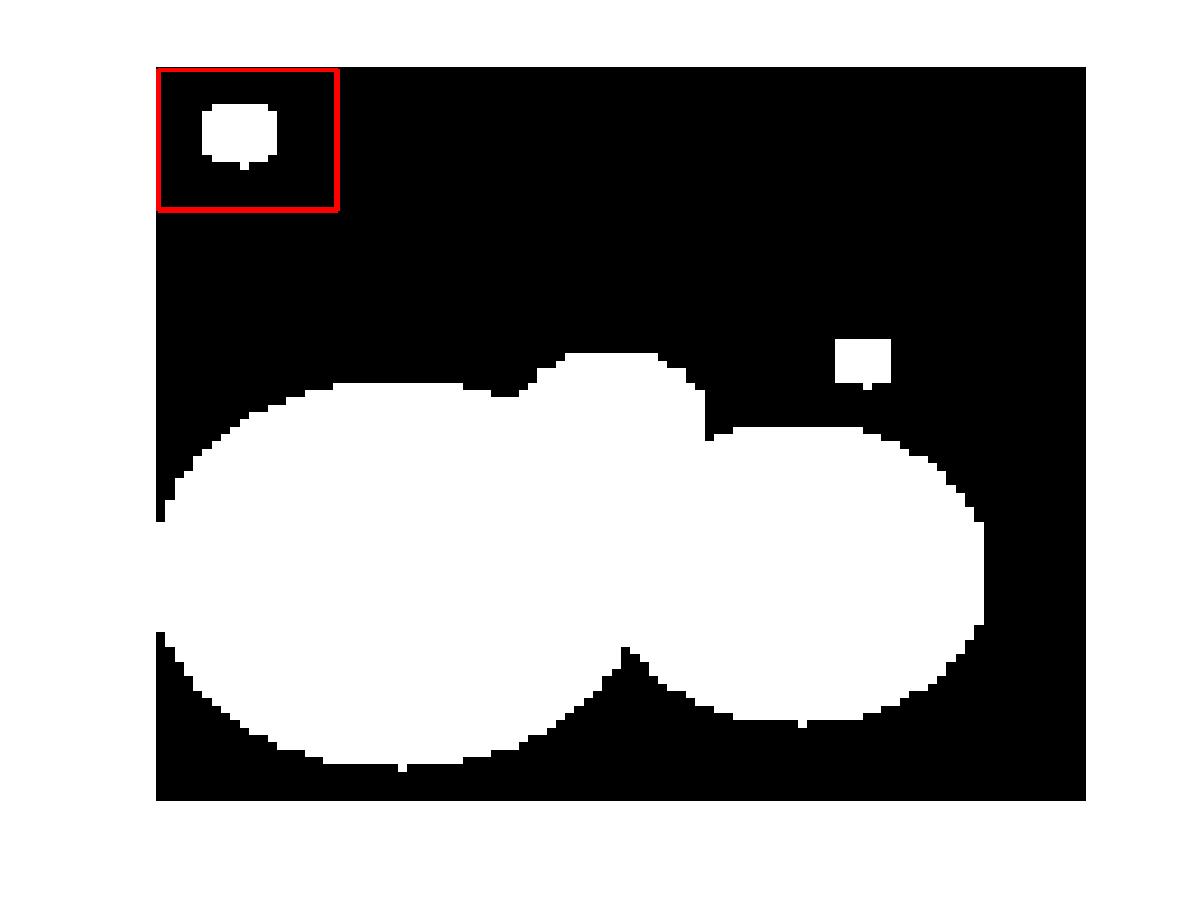
Suppose we wish to automate finding the blob indicated by the red line (the "known" signal). Simply using two-dimensional cross-correlation will yield the following image.

The localization of the peak in the image is not good due to the large, coalesced blob at the bottom of the image.
Make A Difference: Twice!
A simple way to both remove the DC component of the image, and to make the image "whiter" is to row-difference the image (i.e. subtract from each row the previous row). In Matlab this can be achieved with the "diff" function.
Note that both the "known" image and the image which is being searched require this pre-whitening.
Discrimination
After performing the diff operation on both the known image and the searched image, the following results.
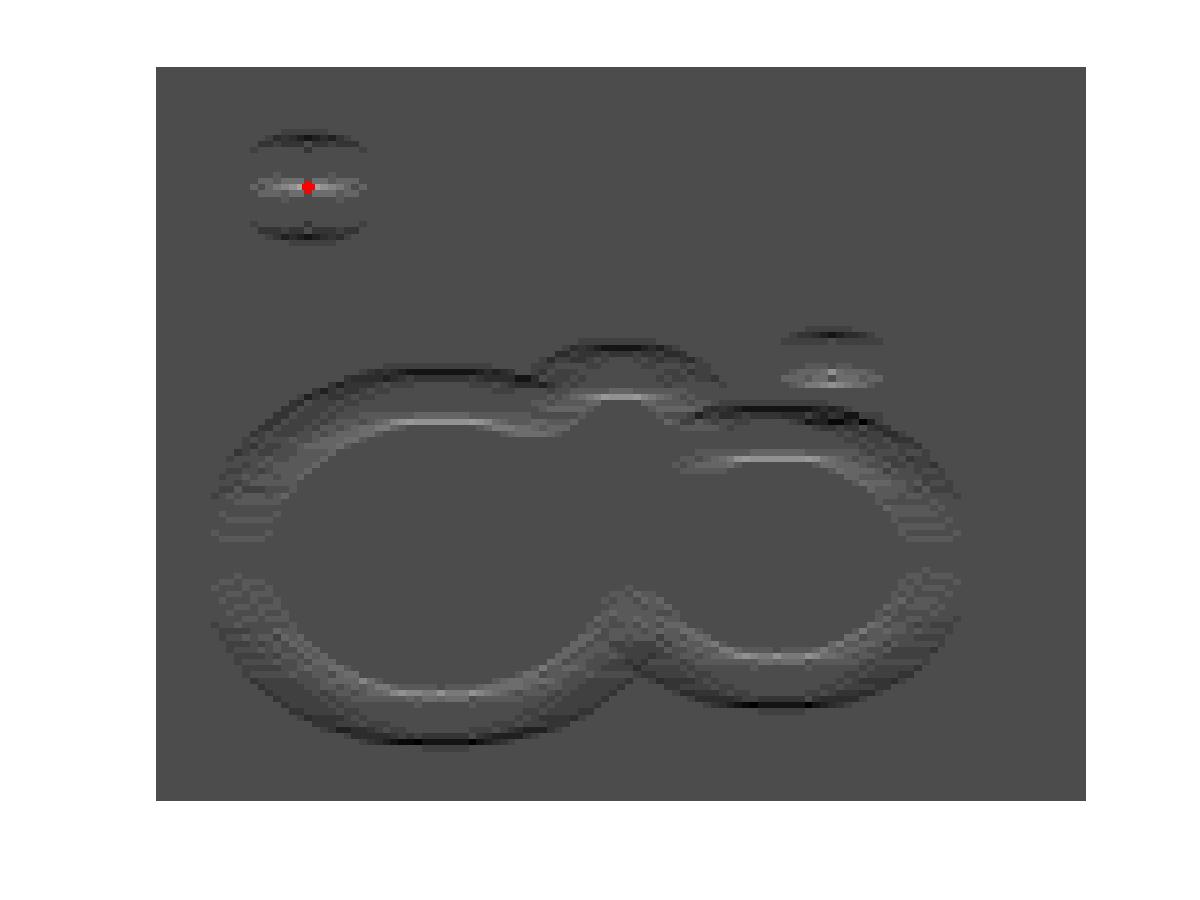
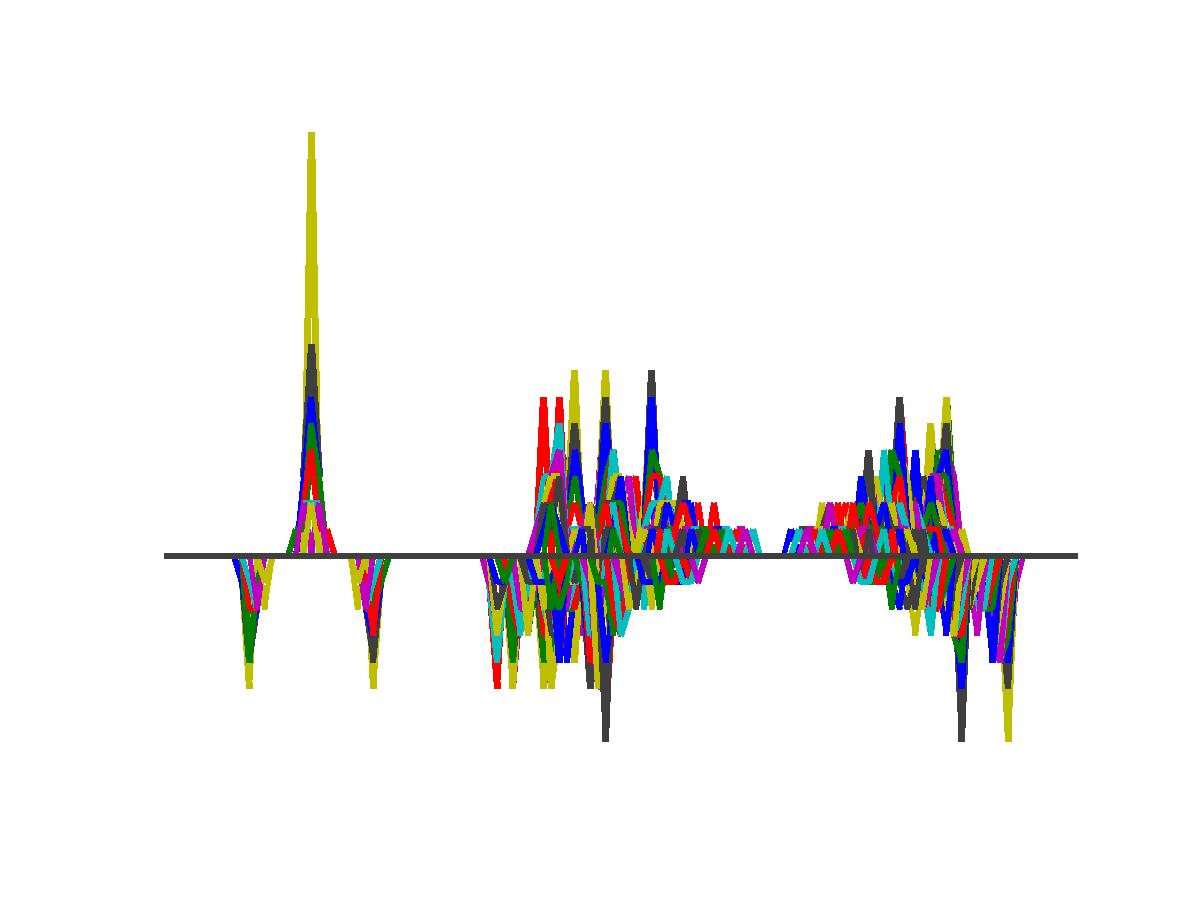
The red point indicates the peak of the new cross-correlation. A side view of this image shows how well the peak is discriminated from other peaks.


- Comments
- Write a Comment Select to add a comment


Normalized correlation value in altboc modulation in gps Galileo(The Galileo E5 AltBOC) programme in matlab PLEASE HELP ME this programe is a importance for me
To post reply to a comment, click on the 'reply' button attached to each comment. To post a new comment (not a reply to a comment) check out the 'Write a Comment' tab at the top of the comments.
Please login (on the right) if you already have an account on this platform.
Otherwise, please use this form to register (free) an join one of the largest online community for Electrical/Embedded/DSP/FPGA/ML engineers: